Why Secure Online Electronic Signatures Matter for Startups

Startups move fast. They need tools that keep up. Signing documents is one of those tasks. Paperwork slows things down. It also adds risk. That’s why secure online electronic signatures are a game changer. They speed up deals and keep data safe. Let me explain why they work so well for startups.
Speed and Simplicity Drive Startup Success
Startups juggle many tasks. Every minute counts. Waiting for physical signatures wastes time. It means printing, scanning, mailing, and chasing people. That slows down deals and projects.
Online signatures cut this out. You send a document. The signer gets a link. They sign on any device. Done. No printing or scanning needed.
This speed helps startups close deals faster. It also frees up time to focus on growth. Plus, it’s simple. No training needed. Anyone can sign documents online with ease.

Why Secure Online Electronic Signatures Protect Your Business
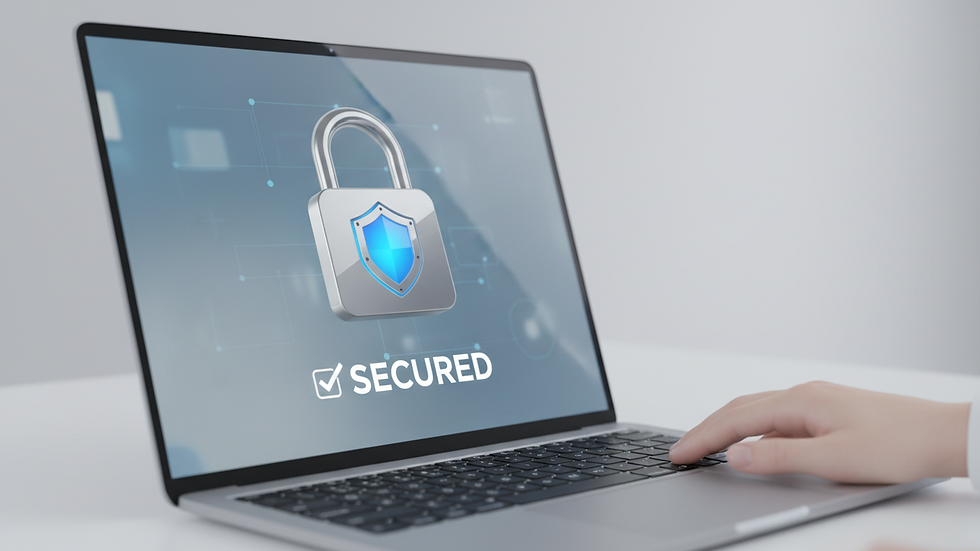
Security is a big concern. Startups handle sensitive info. Contracts, agreements, and personal data must stay safe. Online signatures use strong security measures to protect this data.
Here’s how:
Encryption: Data is scrambled during transmission. Only authorized parties can read it.
Authentication: Signers prove their identity. This can be through email, SMS codes, or other methods.
Audit Trails: Every step is recorded. You see who signed, when, and where.
Tamper-proof: Once signed, documents can’t be altered without detection.
These features make online signatures legally binding and secure. They meet standards like eIDAS in Europe and ESIGN in the US. This means your signed documents hold up in court.
How to Choose the Right Online Signature Solution
Not all online signature tools are equal. Startups need a solution that fits their needs and budget. Here’s what to look for:
Pay-as-you-go pricing: Avoid costly subscriptions. Pay only for what you use.
Ease of use: The tool should be simple for both senders and signers.
Legal compliance: Check if it meets local and international laws.
Security features: Look for encryption, authentication, and audit trails.
Integration options: Can it connect with your existing tools like email or cloud storage?
Choosing the right tool saves money and hassle. It also ensures your documents are secure and legally valid.
Practical Tips for Using Online Signatures Safely
Using online signatures is easy, but you should follow best practices to stay safe:
Always verify the signer’s identity before sending documents.
Use strong passwords and two-factor authentication for your account.
Keep your software updated to protect against vulnerabilities.
Store signed documents securely in encrypted cloud storage.
Regularly review audit trails to spot any unusual activity.
These steps help protect your startup from fraud and data breaches.
The Future of Signing Documents Is Digital
The world is moving digital. Paper signatures are becoming outdated. Startups that adopt secure online electronic signatures gain a competitive edge. They save time, reduce costs, and improve security.
This shift also supports remote work and global business. You can sign contracts with partners anywhere, anytime. No delays, no borders.
If you want to keep your startup agile and secure, switching to online signatures is a smart move.
Startups deserve tools that match their pace and budget. Secure online electronic signatures offer just that. They make signing documents fast, safe, and simple. No subscriptions, no fuss. Just pay for what you need and get your deals done.
Try it today and see how much easier your paperwork can be.




Comments